A ChatPDF alternative that stays on the page
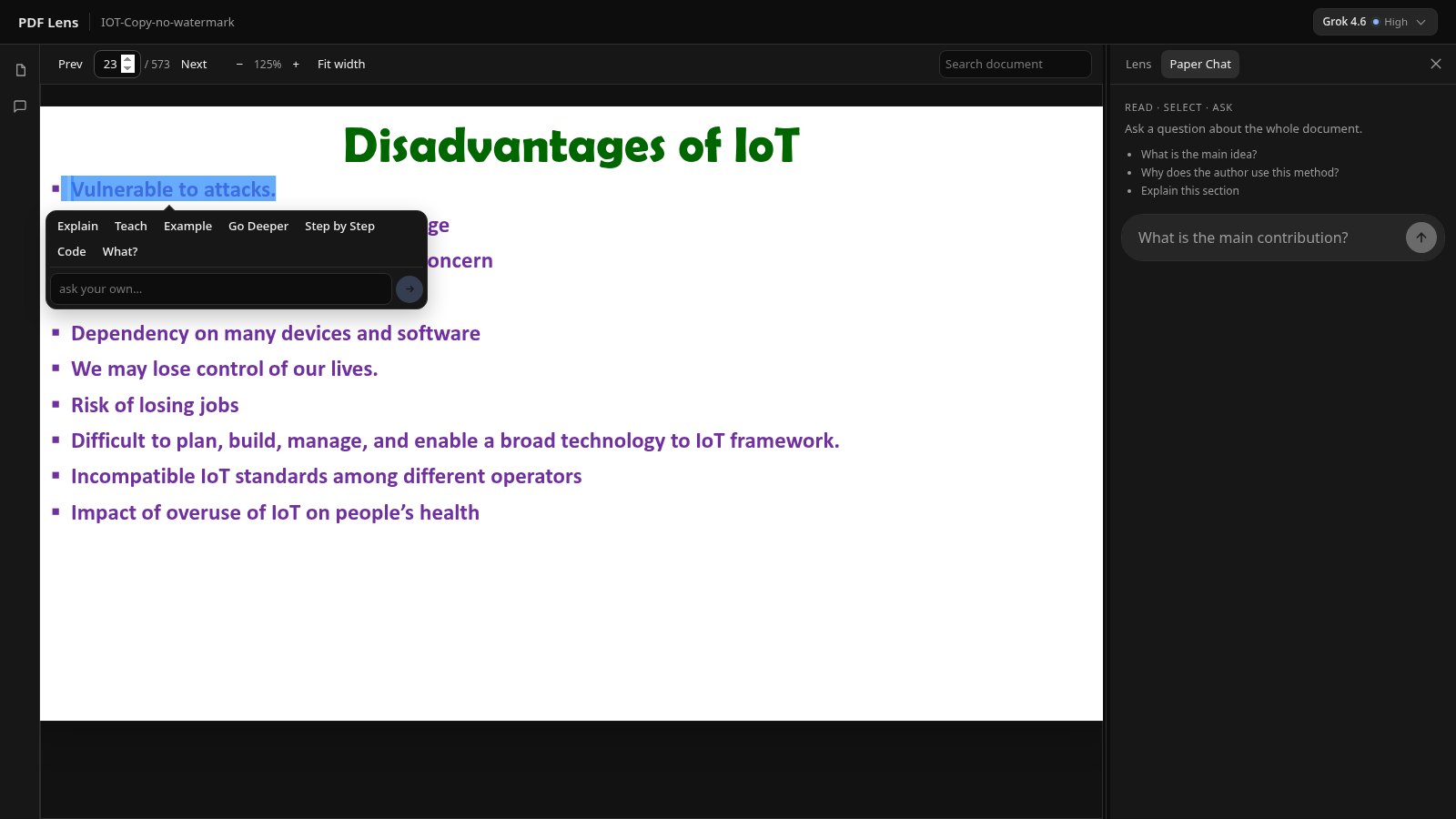
ChatPDF is built around uploading a file and chatting with it. PDF Lens is built around reading the PDF: you select the sentence, and the answer opens beside that page. If that is the job you have, this is a fair alternative to look at.
This page is not a ranking and not a review of ChatPDF’s current plans. Features and prices on other products change; read them on ChatPDF’s own site. What follows is a workflow comparison against what PDF Lens actually does today.
The job to be done
If you want a chatbot that accepts a PDF and answers in a thread, many tools do that, ChatPDF included. If you want to keep your eyes on paragraph four of page twelve while something explains that paragraph, you want a reader with a side panel — not a chat tab that replaced the page.
Side by side (workflow)
| PDF Lens | Typical chat-with-PDF app | |
|---|---|---|
| Primary surface | The PDF page, with Lens beside it | A chat thread after upload |
| How you point at text | Native selection on the page | Usually the question box |
| Answers | Lens actions + Paper Chat from retrieved passages | Chat completions over the file |
| Citations | Clickable [p. N] when the page was retrieved | Often page references in the thread |
| In-document search | Yes, jump to hits | Varies |
| OCR / scans | No. Text layer required | Varies by product |
| Many files in one question | No | Sometimes (folders) |
| Hosted PDF Lens meter | Free 10 AI actions/day; Pro monthly cap | See their pricing page |
What you should not expect here
PDF Lens will not OCR a phone scan. It will not chat across a folder of PDFs in one go. Hosted answers use an economical model, not whatever ChatPDF is routing this month. Those are real reasons to stay on another tool if that is your job.
What is different on purpose
Selection-first reading. Teach and the other Lens actions run on the highlight, docked next to the page. You can drill into an explanation without losing the PDF. Privacy: passages go to the configured model provider; we do not claim a private on-prem model on the hosted site. Details: Privacy.
Pricing we can stand behind is on the homepage: Free 10/day; Pro from ₹299 or $9.99 a month with a 2,500-action monthly allowance and a daily cap. Not unlimited.