A NotebookLM alternative — if the object is a PDF
NotebookLM is a notebook over sources you collect: PDFs, docs, links, sometimes audio overviews and study artifacts. PDF Lens is not that. It is an AI PDF reader for the file already in front of you.
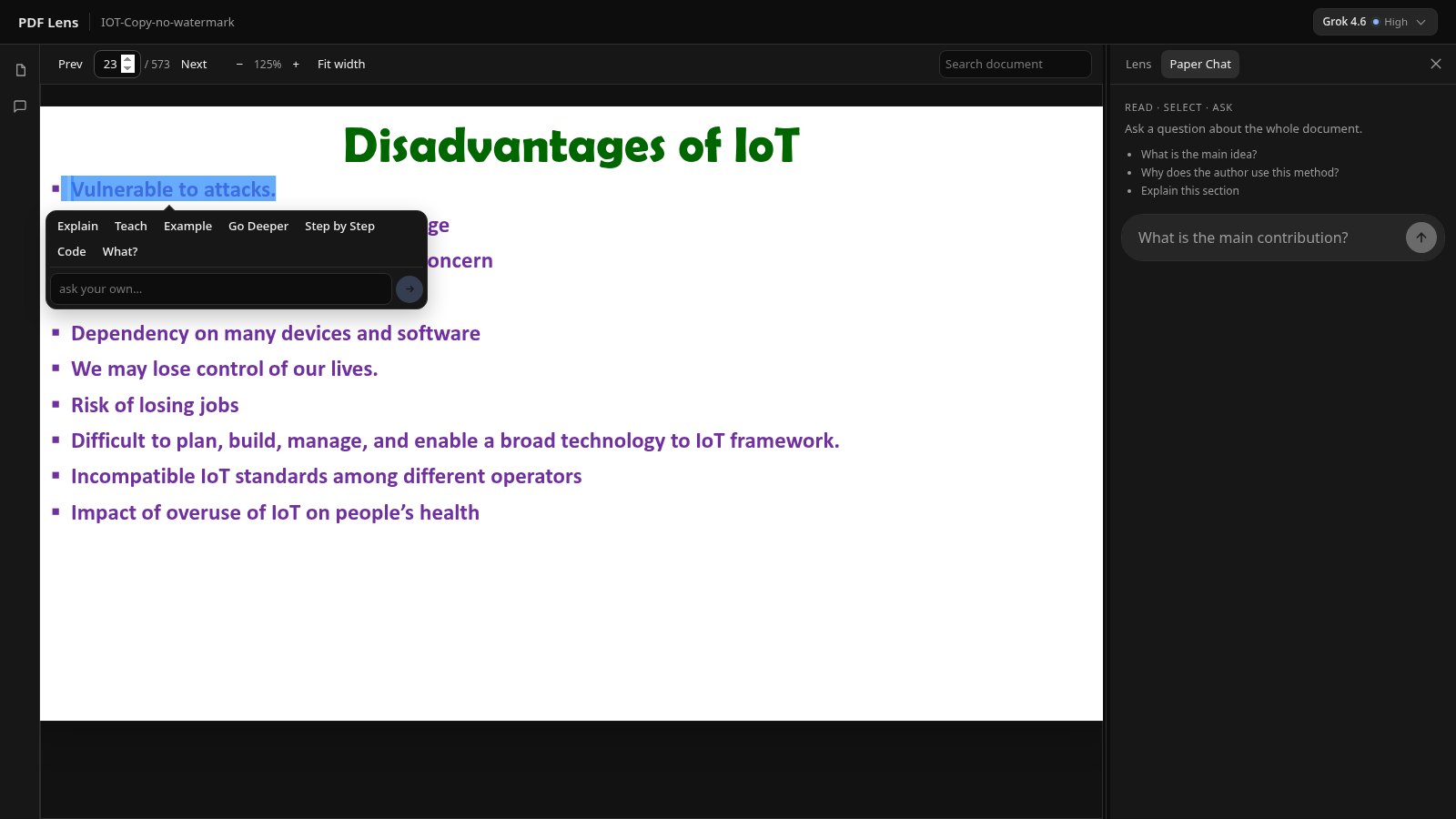
People search “NotebookLM alternative for PDFs” when they wanted to understand one paper and were offered a notebook instead. Those are different jobs. You may want both. You should not pretend they are the same product.
NotebookLM’s job (as a notebook)
A notebook shines when you have several sources and you want grounded Q&A, outlines, or study material across them. Google’s product also moves quickly; look at their current feature list rather than a screenshot from last year. Audio overviews and mixed-source synthesis are notebook features. They are not PDF-reader features.
PDF Lens’s job (as a reader)
- Keep the PDF visible.
- Select a sentence and get Lens beside it.
- Search the file.
- Ask Paper Chat with passage-level [p. N] citations.
- One document at a time, text layer required, no OCR.
Choose by the unit of work
| Unit of work | Better fit |
|---|---|
| One dense PDF, line by line | PDF Lens |
| A pile of sources for a topic | A notebook product (e.g. NotebookLM) |
| Audio recap of material you already trust | A notebook product |
| Editing, signing, or rearranging PDF pages | A PDF editor, not either of these |
PDF Lens will not make a podcast of your paper, will not mix a YouTube transcript with a PDF in one notebook, and will not replace Google’s source-grounding across dozens of files. If that is what you meant by “alternative,” this is the wrong page — and it is better to say so than to stretch the word.
If you meant “I have a paper open and I do not understand page 7,” start with the research-paper workflow or just try the reader.