A Humata alternative for reading on the page
Humata is widely used as a place to ask questions of documents and get cited answers. PDF Lens overlaps on “ask the PDF.” It does not try to be a team document vault. It tries to be the reader you do not leave.
Humata’s own plans, page quotas, OCR options, and team seats change — read them on humata.ai. This page only states PDF Lens as it ships, so you can decide whether a selection-first reader is a better fit than a Q&A workspace.
Where they rhyme
Both are aimed at people with PDFs and questions. Both can cite into the file. If your habit is “upload, then interview the document,” you will recognize Paper Chat.
Where PDF Lens is narrower
- One document on screen. No cross-file question over a project folder.
- No OCR product. Scans without a text layer cannot be explained.
- No team permissions, departments, or shared workspaces.
- Hosted model is economical and metered (Free 10/day; Pro is capped).
Where PDF Lens is more like a reader
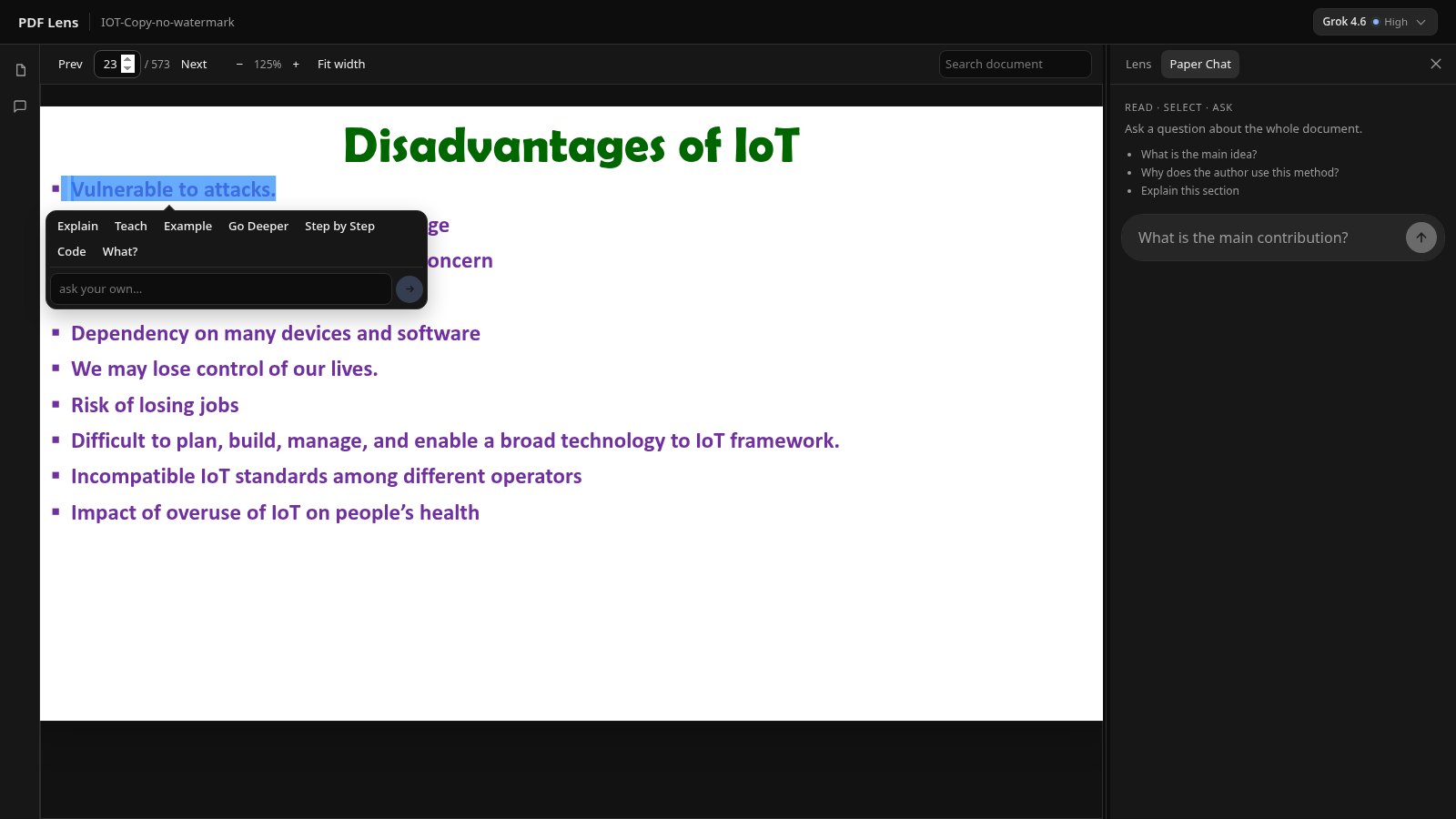
You highlight a passage in the PDF and run Explain, Teach, Step by Step, or a custom instruction. The answer is a panel beside the page, and you can highlight inside that answer. In-document search jumps you to a term before you spend an AI action. That loop is the product, described in the AI PDF reader page.
| PDF Lens | |
|---|---|
| Selection / Lens | Yes — native text layer |
| Paper Chat | Retrieved passages + [p. N] |
| PDF search | Yes |
| Citations | Page markers you can open |
| OCR | No |
| Multi-document Q&A | No |
| Privacy notes | Passages sent to the model provider; see Privacy |
If you need OCR, folders of files, or seats for a lab group, Humata (or similar) may still be the right shape. If you need to stay inside a difficult PDF, try PDF Lens on one file and see whether the side panel matches how you read.